How to Join TomoNow 2 Beta on iOS



About TomoNow 2
Do you remember the last time you used a real timer? TomoNow 2 can make your time management more interesting
Without too much thought, it's easy to get started.
- It feels different: A specially designed UI feels like a real timer
Helps you to improve your focus and avoid interruption.
- Full-function focus timer: TomoNow 2's timing tools are highly flexible and easy to customize.
- Accessibility: TomoNow has been optimized for accessibility and is suitable for daily usage by visually impaired people.
- To-do list: Focus on the current task
Use as a "current actions list" to incorporate the TomoNow 2 into your time management workflow
You can make a plan and follow the progress
There are also useful features such as repeat and undo.
- Statistics: Record your daily work efficiency
Easy to analyze and review
Include the day, week, month, and time count since you start using TomoNow 2.
- Task history: Manage finished tasks, long press to repeat.
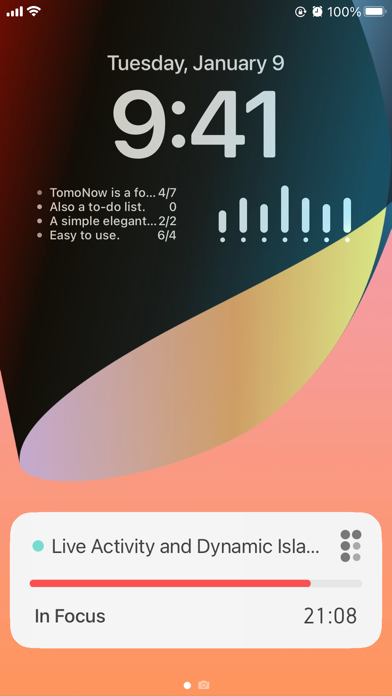
- Widget: Timer and task list widget that you can put on the home screen or lock screen.
- Live Activity and Dynamic Island: Show the current timer state.
- Watch app: Start focus from Apple watch! Set and add a task
Work perfectly in the background.
- iCloud sync: Sync task list and history between your devices.
- Sound themes: Reality, Glass, Synth, and Classic sound theme.
- Siri shortcut, URL scheme support, drag & drop.
- TomoNow 2 is designed and developed by an indie developer.
- Using open-source projects:
Gidole - Open Source Modern DIN (MIT): https://github.com/larsenwork/Gidole